Show your photographs with the settings that made them.
Fovea opens a folder of RAW files and reads what the camera recorded for each one. Add a caption, present them fullscreen, and send the whole set to someone as one file. It runs on a Mac, on Windows, or in a browser, and it never uploads anything.
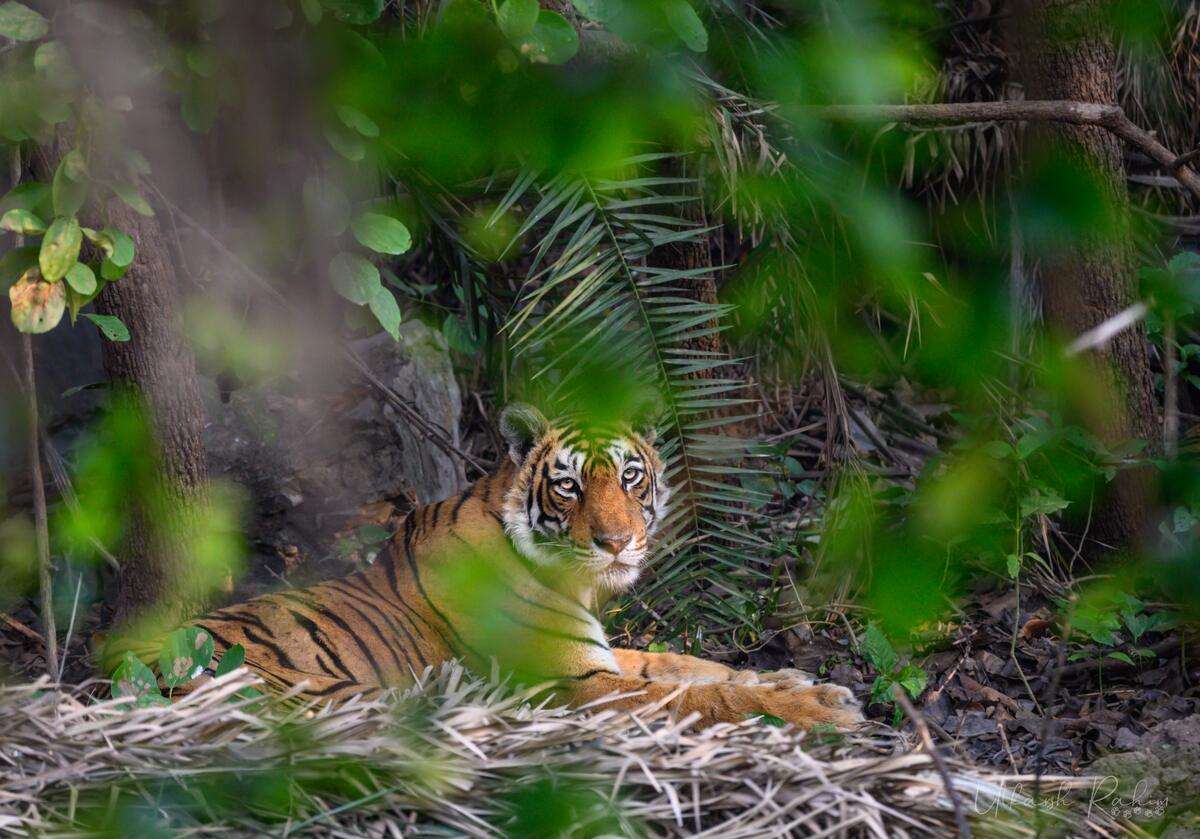
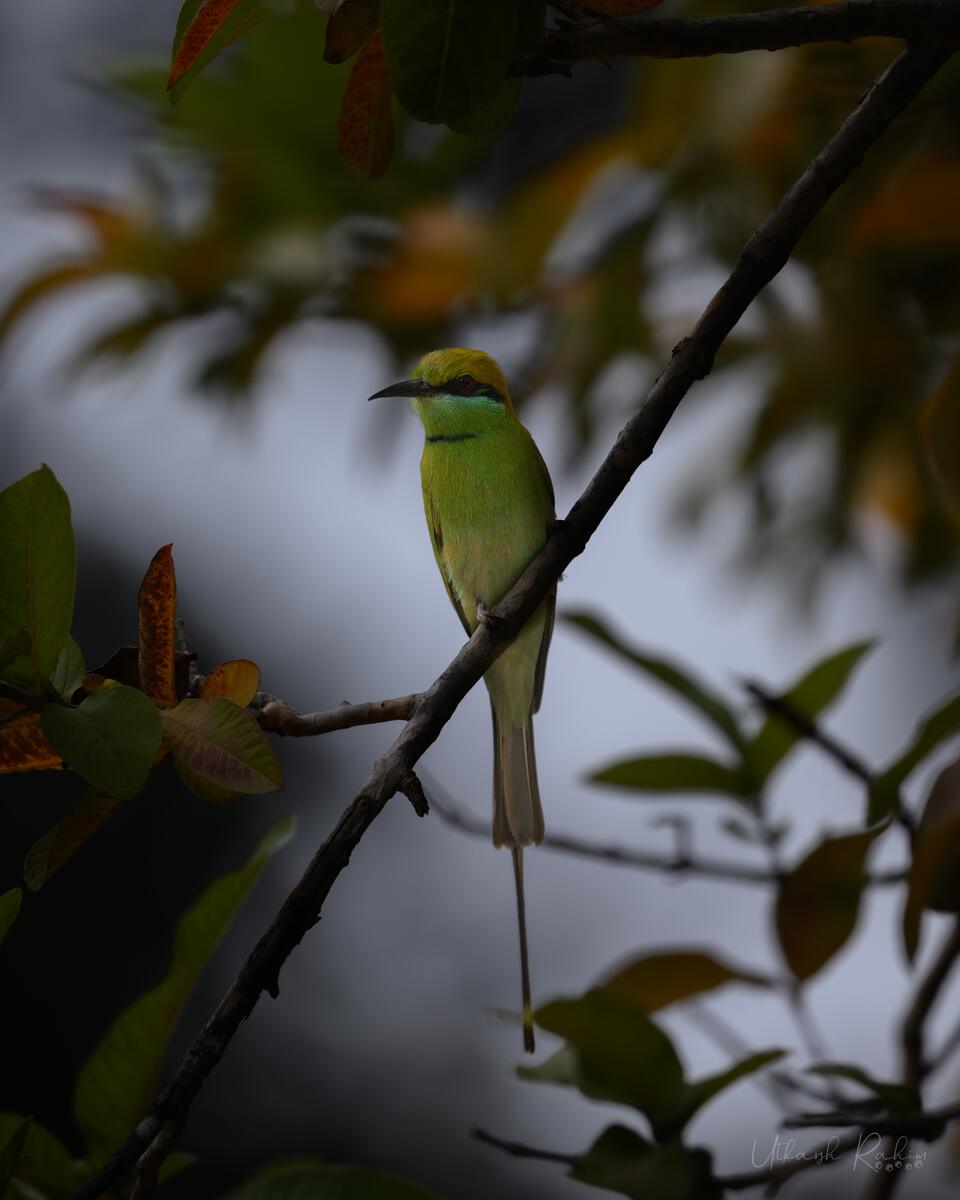
The camera data stays with the picture
Fovea reads NEF, CR2, CR3 and ARW files, as well as JPEG, TIFF and PNG. For every photograph it shows the body, lens, focal length, aperture, shutter speed and ISO. When the camera recorded a focus point, Fovea draws it on the frame.
Your original files are only read. Fovea never writes to them.
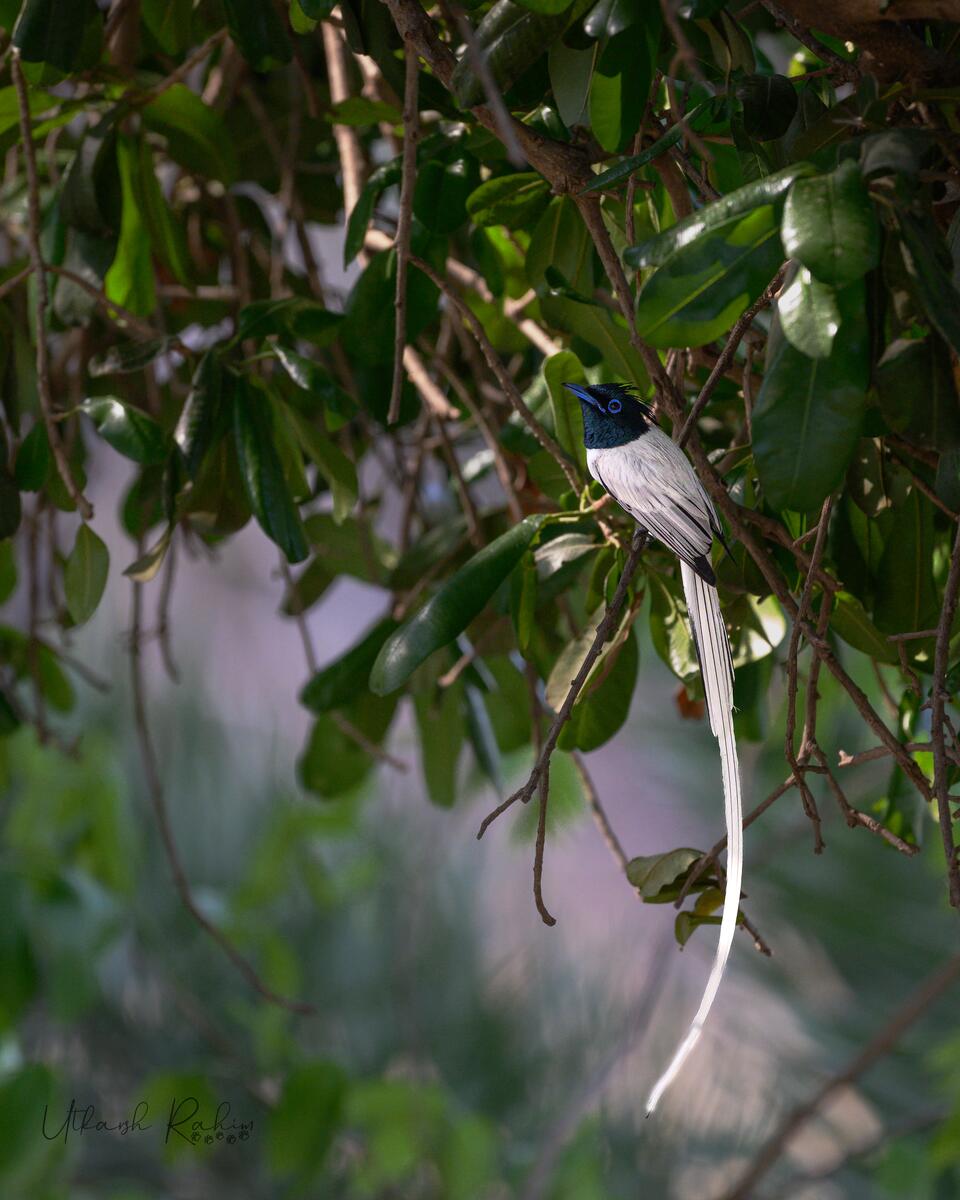
Write the story, then present it
Each photograph gets a caption: where you were, how long you waited, what happened next. Present the set fullscreen with a small overlay you control. Arrow keys and swipes move between frames.
Anyone you share with can leave comments on individual photographs.
One file to send
Export a project as a single .fovea file, with the photographs, captions and comments inside. It opens on a Mac,
a Windows PC, or a phone's browser. There are no accounts and nothing is uploaded. Once it has loaded, it works offline.
Camera playground
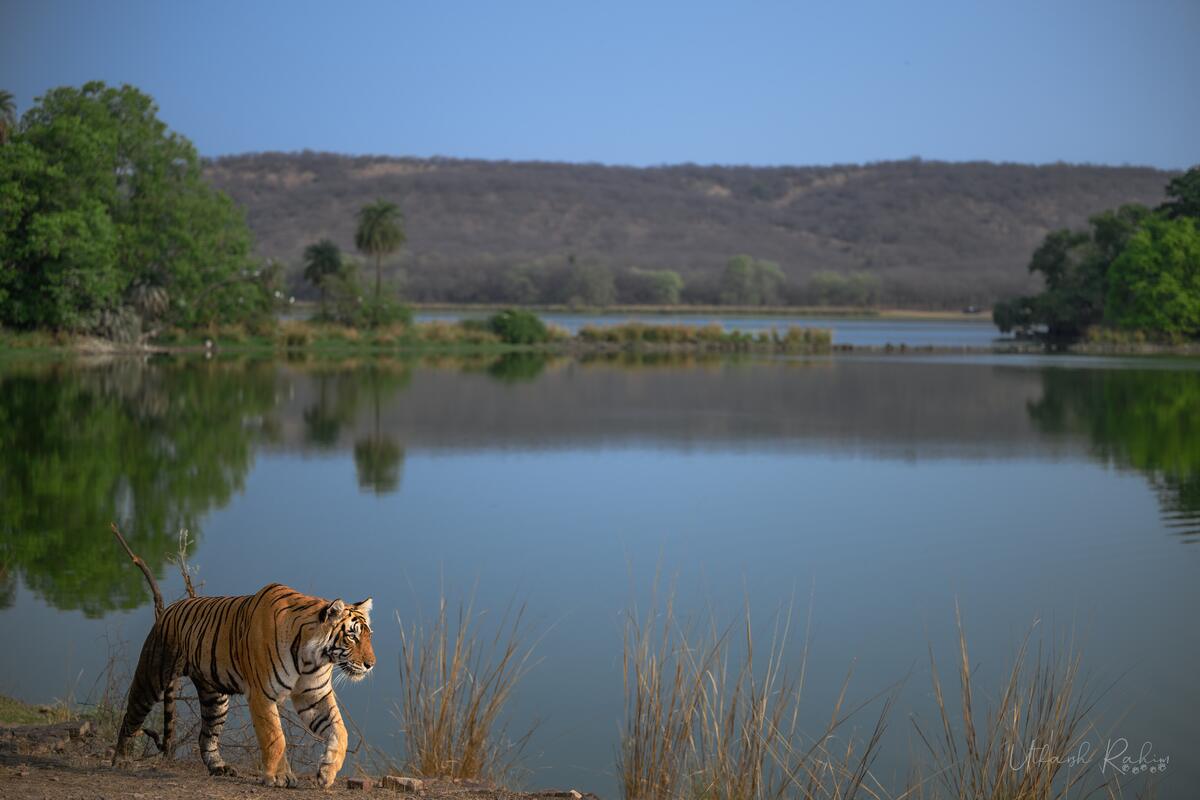
This photograph was taken at f/4, 1/800 s and ISO 64. Change the aperture, shutter speed and ISO to see how it would have come out, and click anywhere on it to focus there.
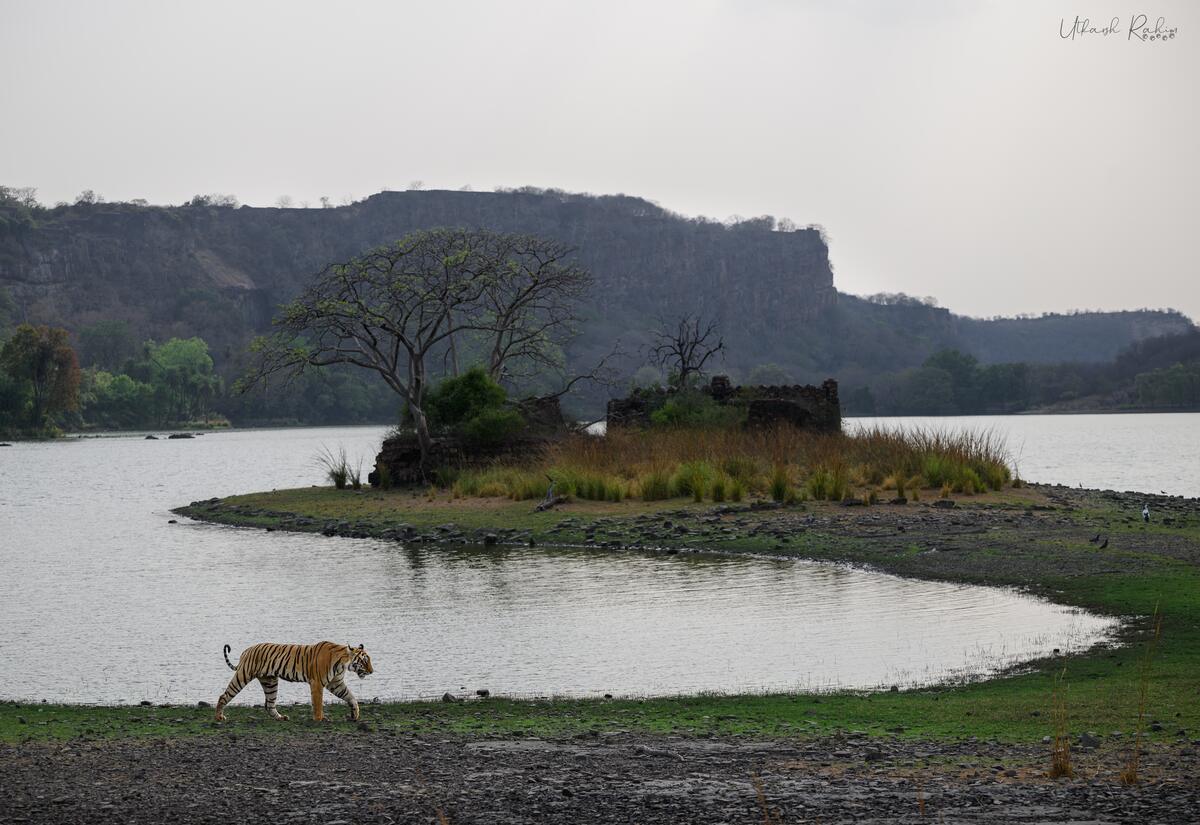
Focused on the tiger, about 30 m away
Your browser doesn't support WebGL 2, which this needs.
This is a playground, not a simulation. The blur, motion and grain are exaggerated approximations made from a single photograph, so a real camera won't produce exactly these results.
Download
Free and open source. All releases
macOS
macOS 11 or later
Opening it the first time
The app isn't signed with an Apple Developer ID yet. Drag Fovea to Applications, then run this once in Terminal:
xattr -dr com.apple.quarantine "/Applications/Fovea.app"
Windows
Windows 10 or 11
If SmartScreen stops it
The installer isn't code-signed yet. Click More info, then Run anyway.
Browser
iPhone, iPad, Android, or any recent desktop browser. Add it to your home screen to use it offline.
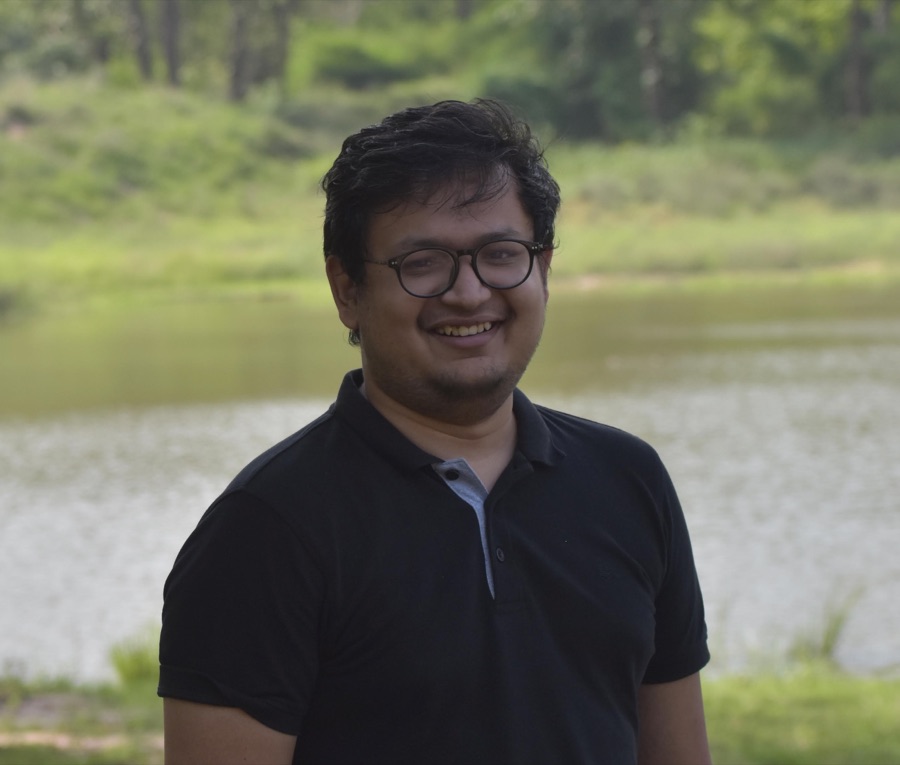
Made by Utkarsh
I write software for a living and spend my free time with a camera. Every photograph on this page is mine. I built Fovea because I wanted to show these pictures with their stories and settings next to them, without uploading them anywhere.
More of my photographs are on Instagram at @lensofutkarsh. The code is on GitHub, and I'd like to hear from you if Fovea is useful.